Use Lowcode Functionalities in Tickets
There are two ways of interface Lowcode with a Ticket:
- You can create a form that will be a source of information for the process of a request so you will:
a) Create a form for the business object;
b) Create the SM template;
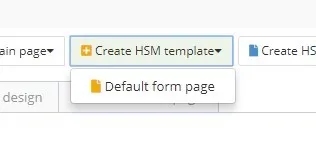
Figure 1 - Create SM Template
c) Link the template to a request/Incident;
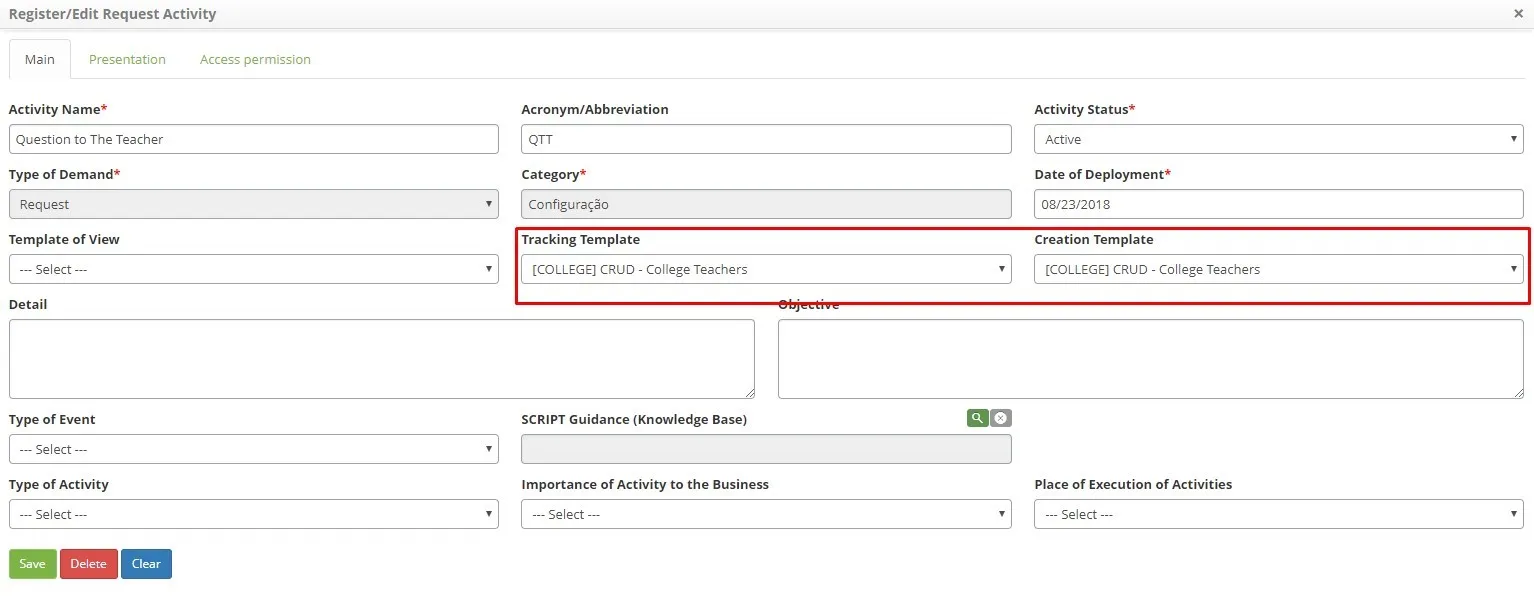
Figure 2 - Link Template
d) Use the template on a request/Incident.
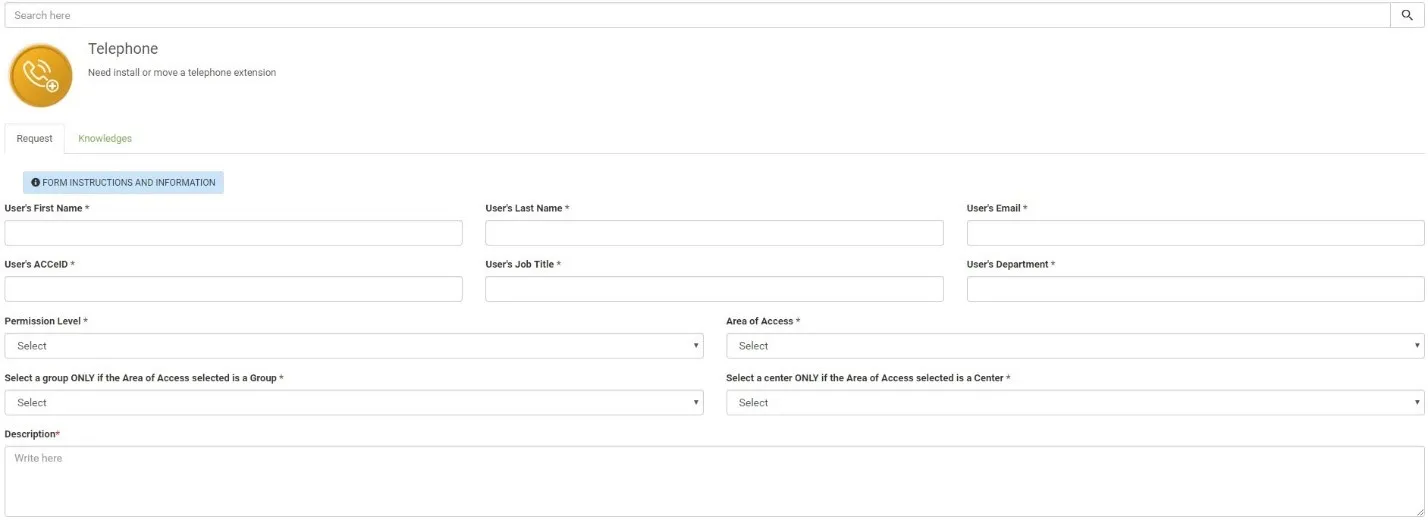
Figure 3 - Template Use
- You can use a form during the resolution (steps) of the process flow in the request/incident:
a) Select a User Task.
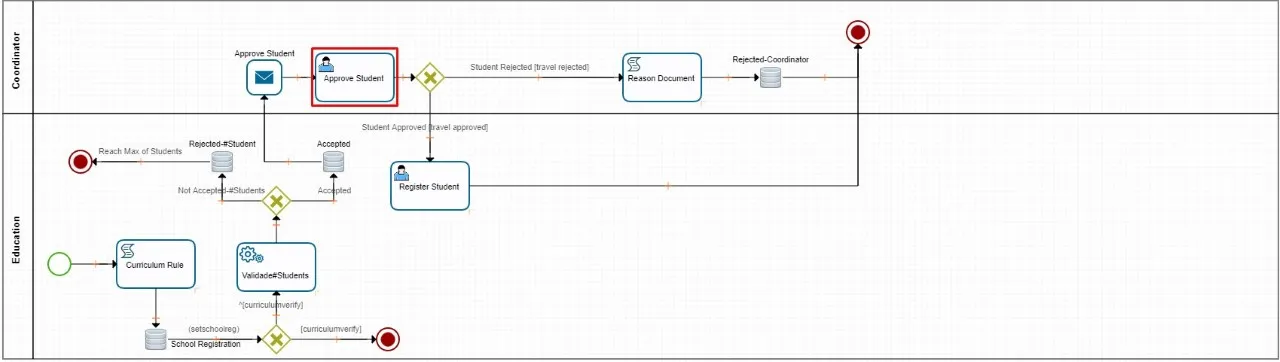
Figure 4 - Link Template
b) Link the form to an SM Flow step in the “Interface” tab of a User Task.
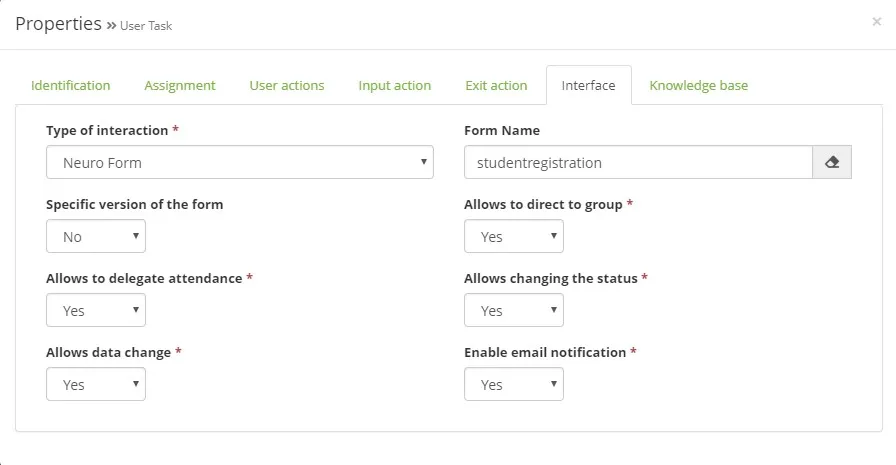
Figure 5 - Interface