Parameters
On the "Parameters" screen, select the options that allow viewing and making necessary parameter adjustments in the system:
When selecting the options, a table appears with the following items: Attribute, Description, Type, and Value.
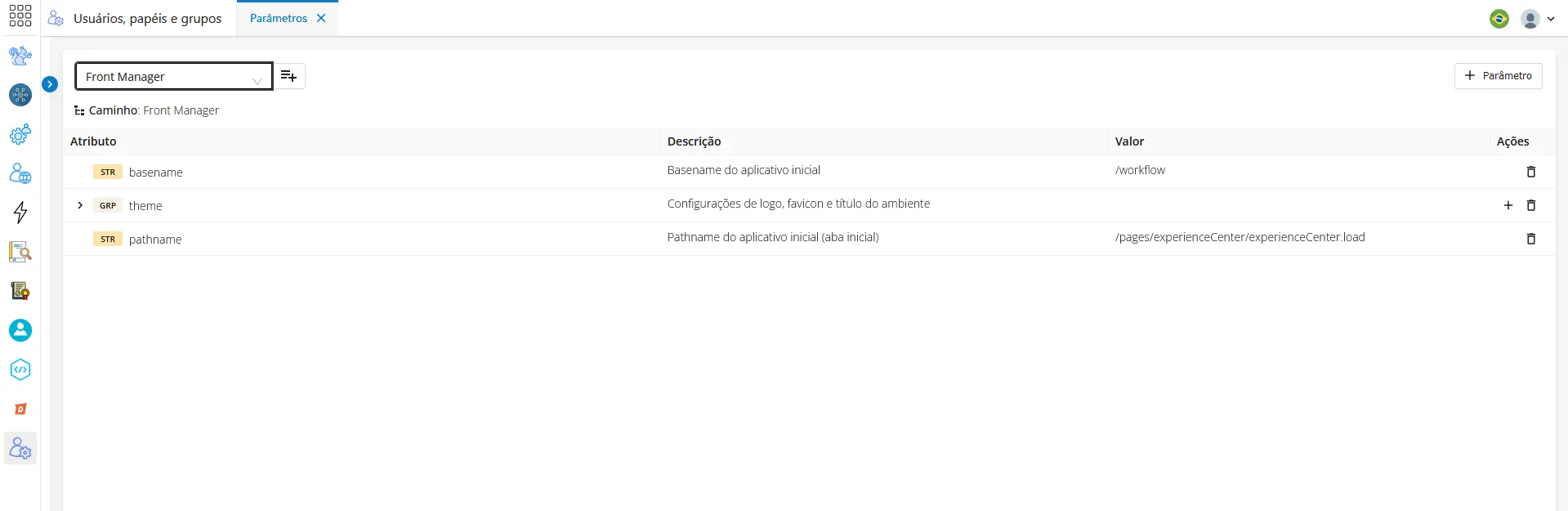
On this same Parameters screen, you can remove a form, as well as add a new parameter:
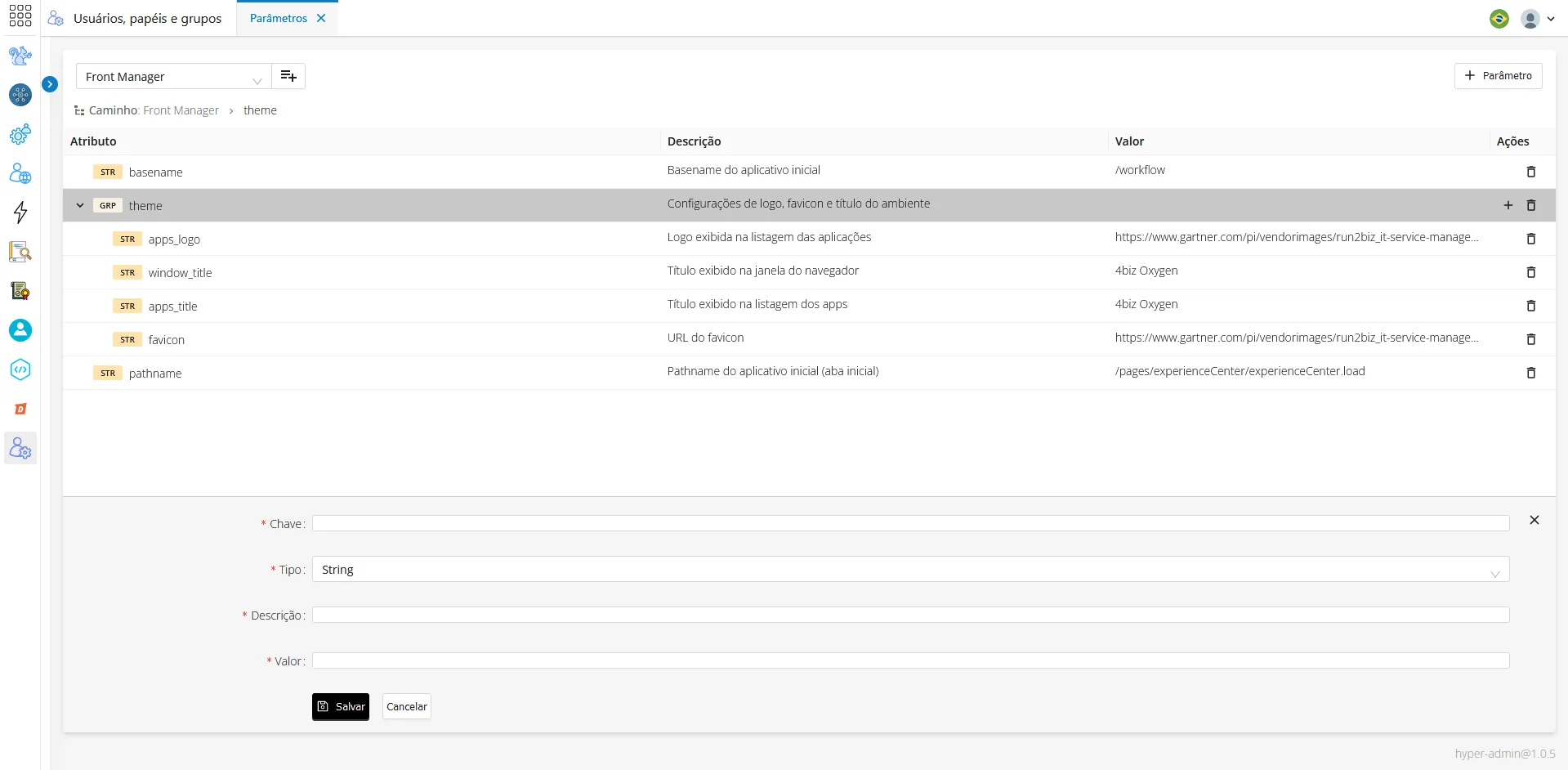
- When displaying the form, you can edit it;
- Fill in all required fields and make the desired changes;
- Click "Save" to proceed.
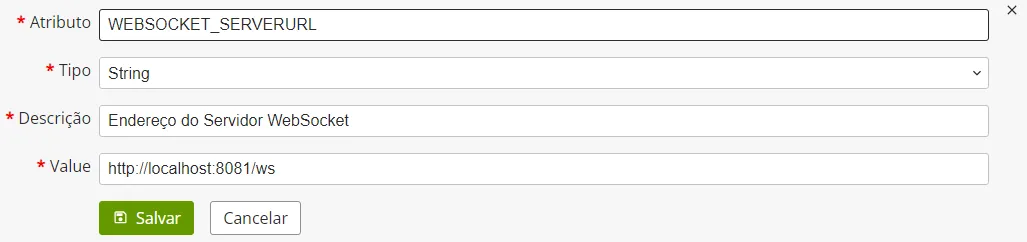
Fields marked with an asterisk (*) are mandatory.