Registering Service Template
3 min
This feature provides a variety of actions, such as including, changing, and deleting a service template, which will be used to customize the service screen.
Before getting started
To register a service template, it is necessary to register previously a questionnaire.
Procedure
- Access the functionality Service Template through the main menu Processes > Portfolio and Catalog Management > Service Template;
- Complete all mandatory fields;
- In the field Type of Template, with each option chosen (JSP, Questionnaire, or Neuro), the fields to fill will be changed:
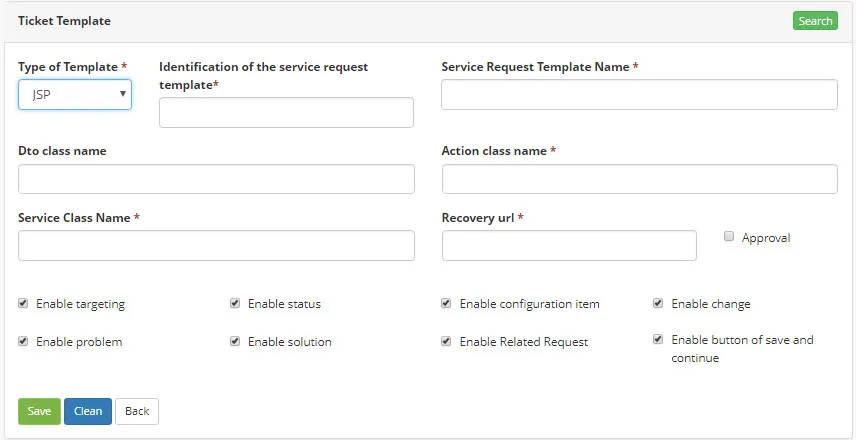
Figure 1 - JPS Template
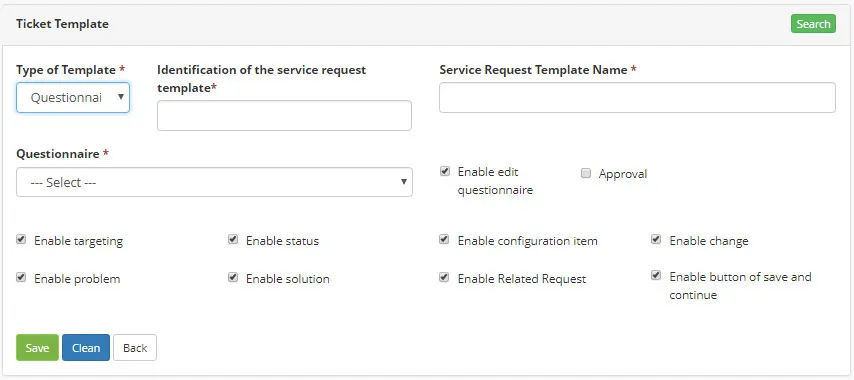
Figure 2 - Questionnaire Template
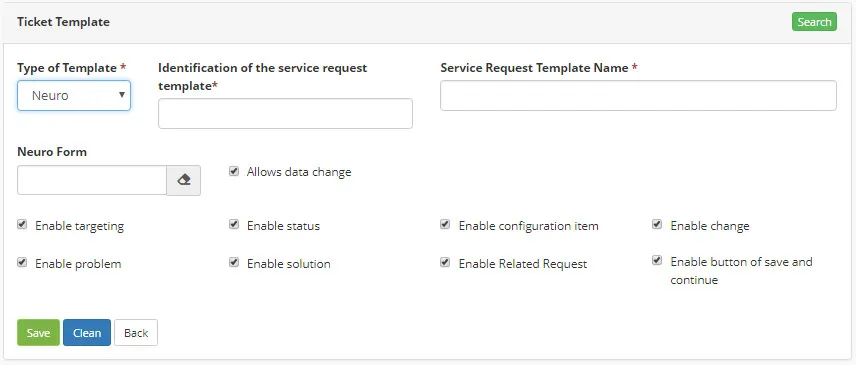
Figure 3 - Neuro Template
4. Click on "Save"