Internationalization
Lowcode uses labels (Keys) to perform the internationalization of the forms each field assigned at the form can use a label and those labels are attached to an internationalization key, the keys are connected to the Lowcode Application.
Before getting started
Must have the Lowcode Application created.
Procedure
- Access the functionality through navigation in the menu:
- Lowcode > Configuration > Internationalization.
- Click on "New";
- Complete the fields available for “Internationalization”;
- Select the Application and the language you are creating the Key, then inform the Key (Label) and its value;
- Click on "Save”.
ATTENTION:
Create one key for each language.
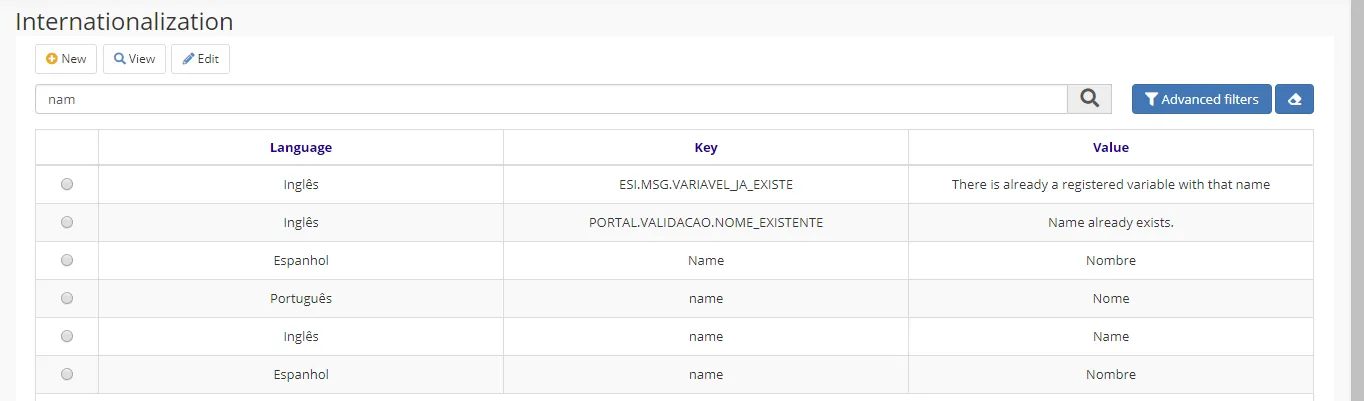
Figure 1 - Internationalization
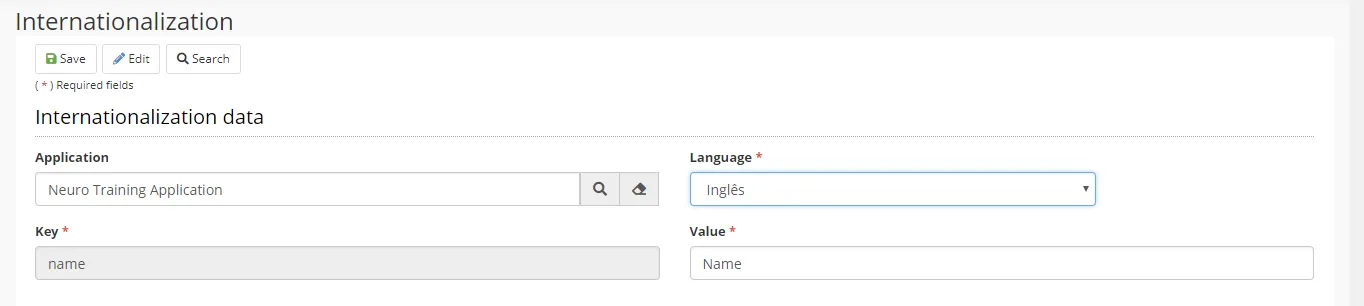
Figure 2 - Internationalization Data