BurnDown & BurnUp Charts
BurnDown and BurnUp charts are Scrum tools that represent project progress. These charts help measure the team's average delivery velocity and identify factors that may impact productivity, such as poorly planned tasks, team member absences, and other issues.
Procedure
Access the Agility platform and navigate to Side Menu > Home > Workspace > Project, then click the arrow in the right corner to expand the Metrics tab.
In the bottom right corner, select either the BurnUp or BurnDown buttons.
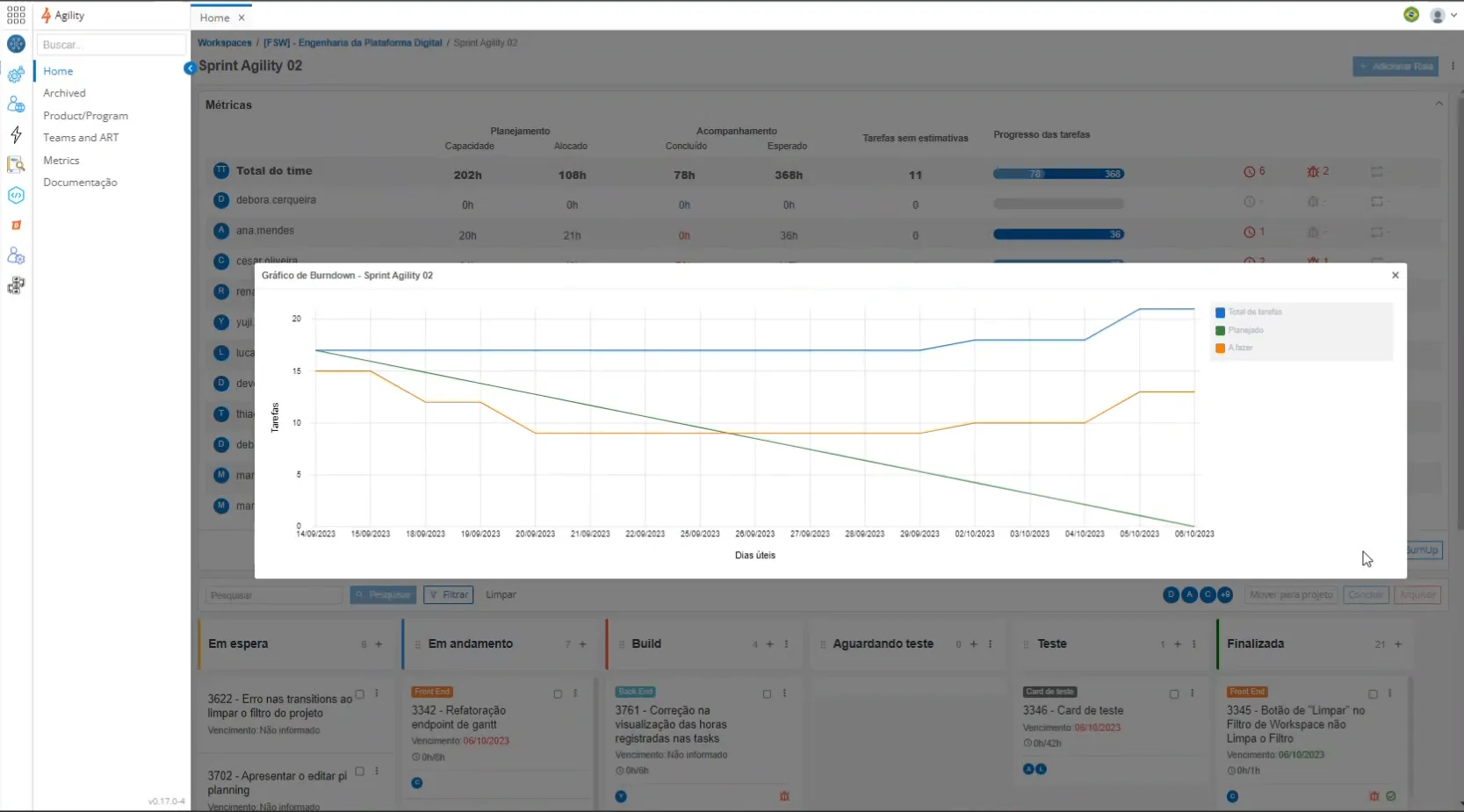
BurnUp
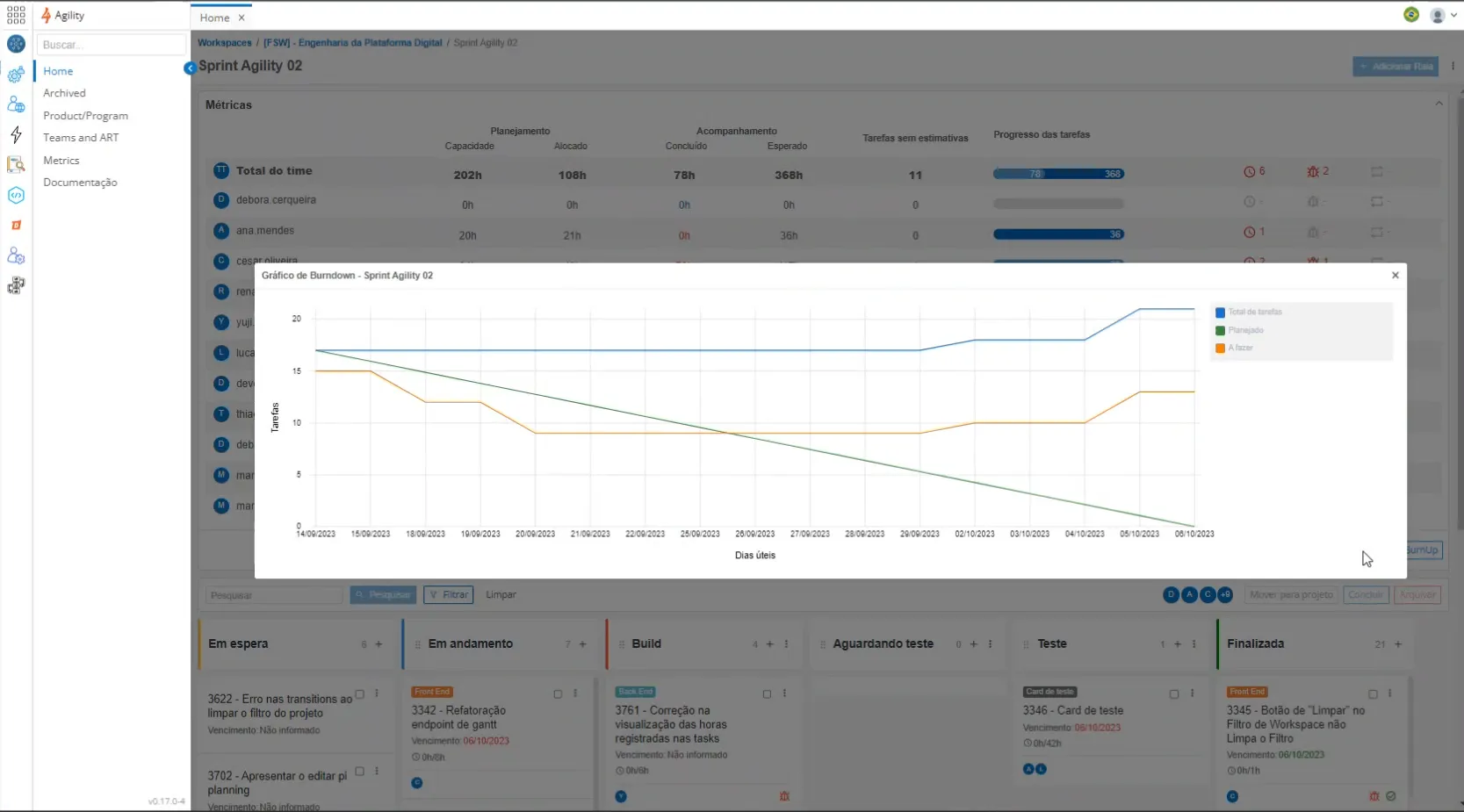
BurnDown