Documents
Ceremony management documents help include information in Agility cards and tasks. They can be linked to specific cards to add additional or more detailed information, since cards should contain brief information. Each document allows for simple text formatting and command inclusion.
Documents
To add a document to a template, double-click on a template from the Templates list.
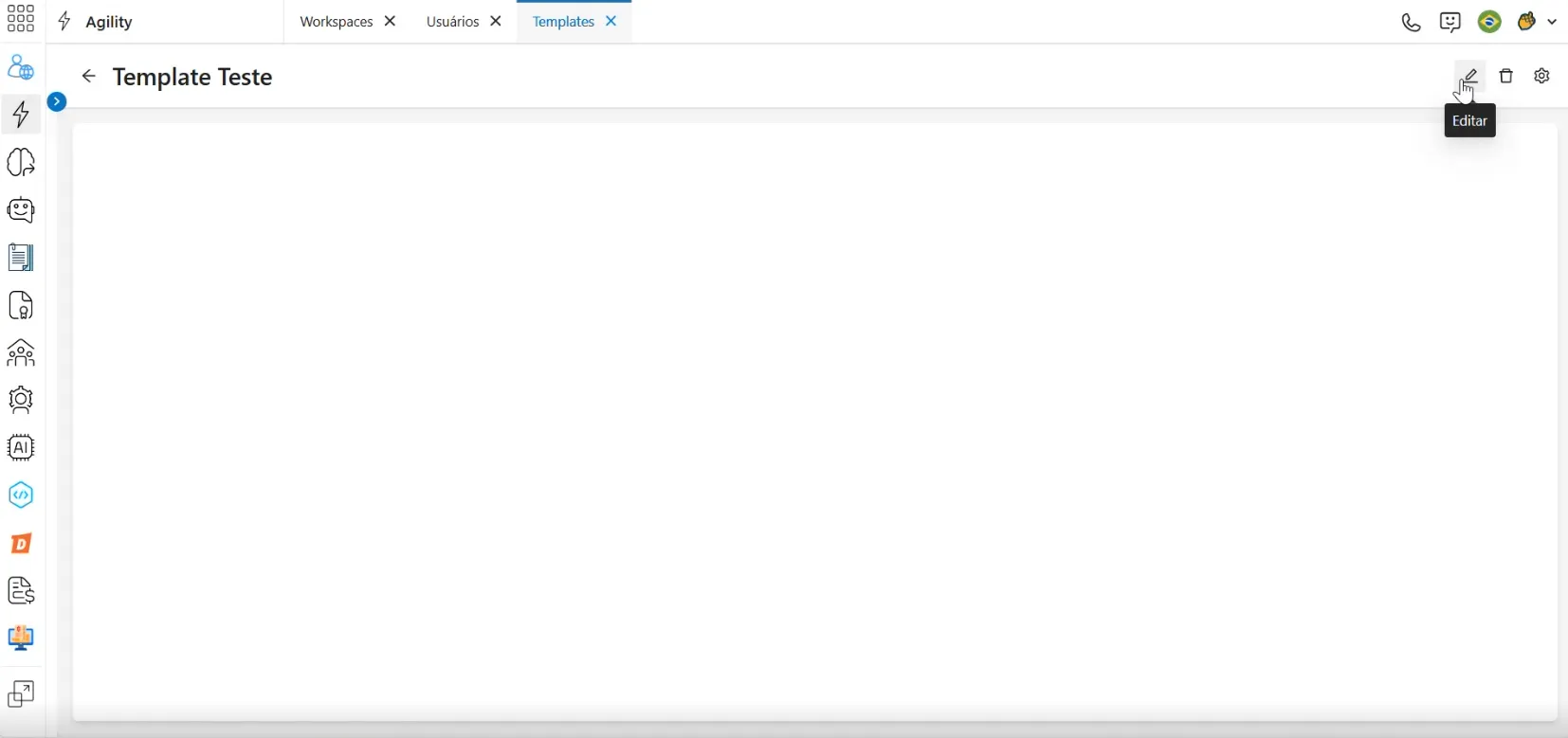
A screen will appear containing a text editing field. Click the Edit icon in the upper right corner to add text to the field.
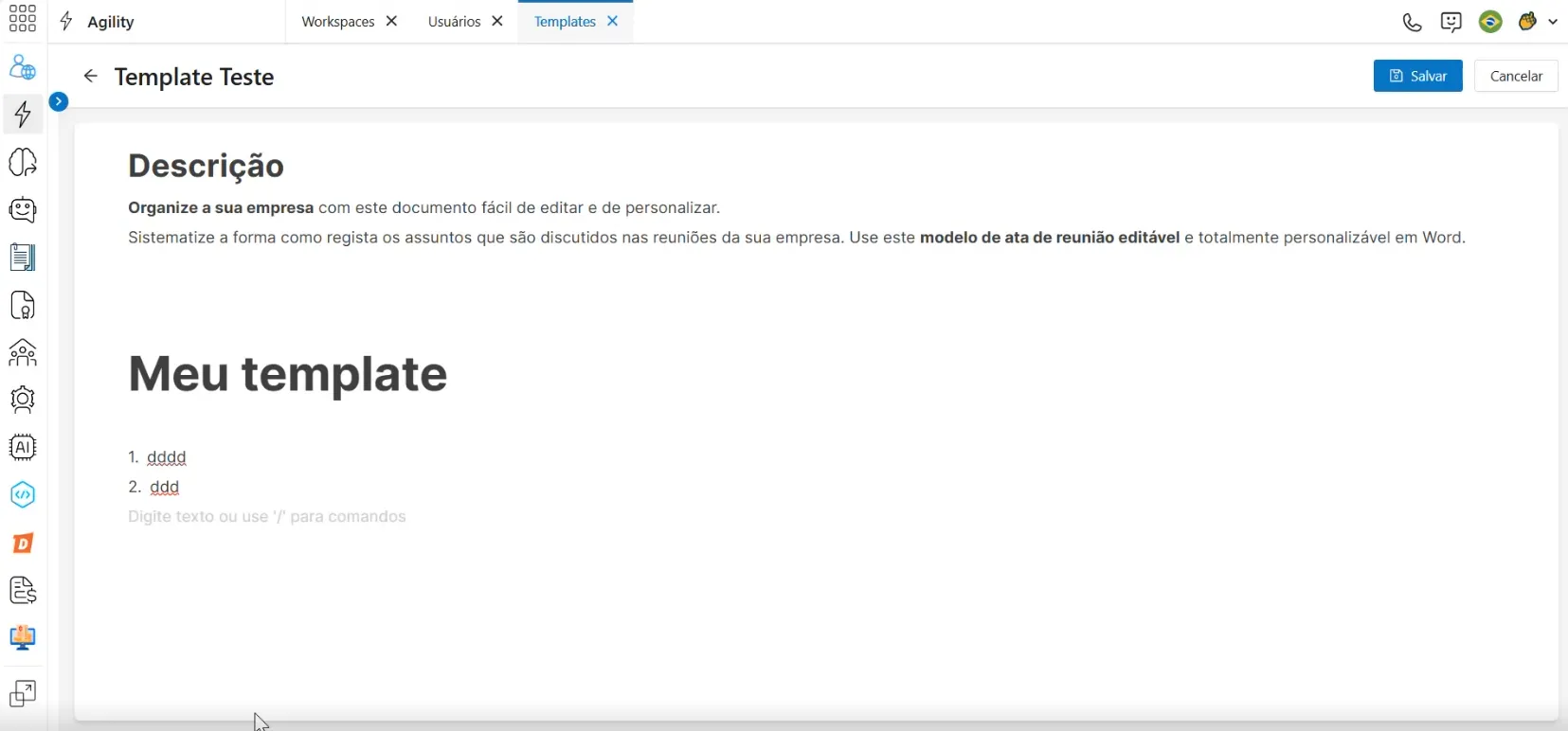
The text accepts simple MarkDown formatting commands. To see the list of commands, type / at the beginning of a new line.
The commands allow you to add various functionalities to the template, such as linking cards, tables, or other Agility information.
After including the desired information and commands, click Save in the upper right corner to apply the changes.
Link Card
The main function of documents is to link Agility tasks. This command automatically adds comments to a linked card and notifies a designated member about the change. To use this function, select the Link card option from the command list.
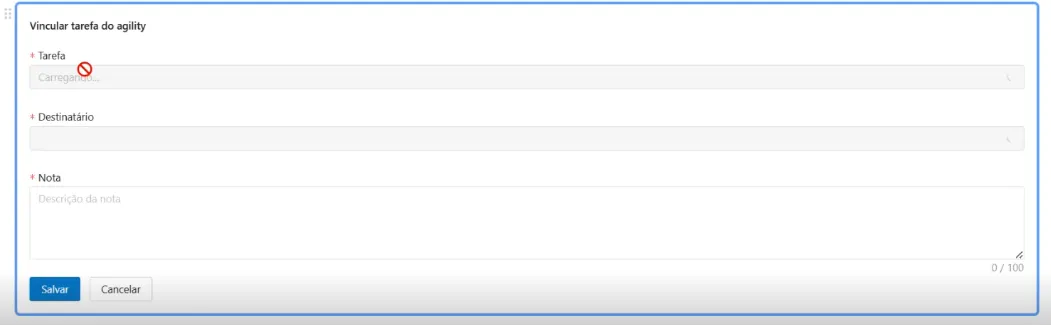
In the first field, select a card from the displayed projects and tasks. You can search by card name or card number.
The recipient field indicates which user will be notified about changes to the selected card. Only members of the linked project will be displayed in the recipient list.
In the note field, include a message to be added to the card.
After entering the information, click Save to add the command to the document.
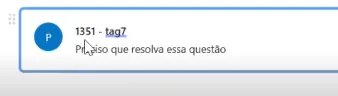
With the command added, clicking on the command will open the respective card in another browser tab, and the comment specified in the command will be added to the card.