Component Property
"Component Property," with respect to Low Code, is a registration of properties of visual components used in building Low Code forms.
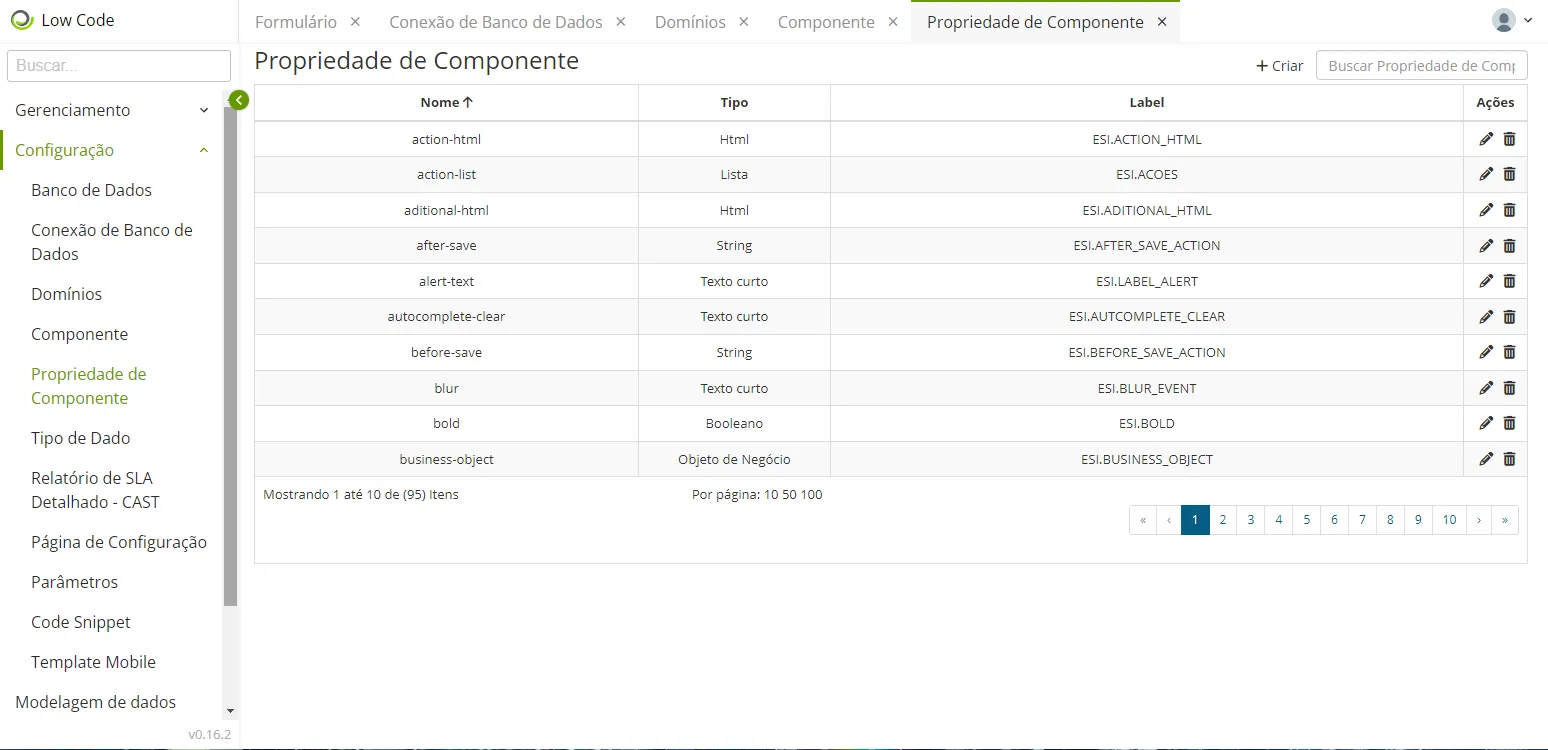
🖊 Note: The item related to Internationalization will explain the label in more detail. It is also linked to a language, a key, and a value that appears in the grid. In this sense, you have the option to link an internationalization key to a project or not.
Most of the labels in your grid are already pre-configured in the Low Code itself. Thus, you will not be able to access or visualize them since they come from the legacy, as the system knows they exist.
Example: ESI.ACOES
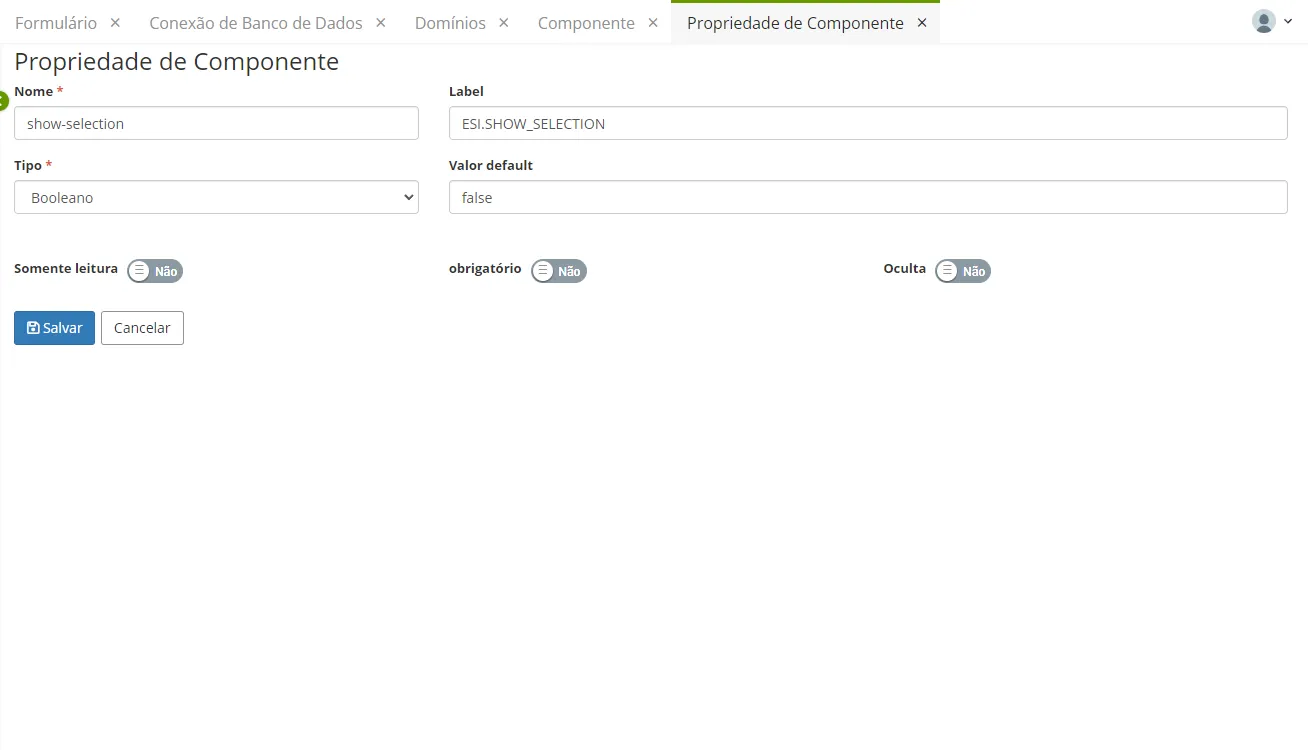
Field | Description |
|---|---|
Name (*) | Unique identifier of the component. |
Label | |
Type (*) | |
Default Value | |
Read-only | Select if you want it to be a read-only component. |
Required | Select if you want it to be a required component. |
Hidden | Select if you want it to be a hidden component. |
Fields marked with an asterisk (*) are mandatory.
The characteristics of the component properties are related to a visual component, which can be added to a form. Edit the options and click "Save" when finished.