Event Capture
Procedure
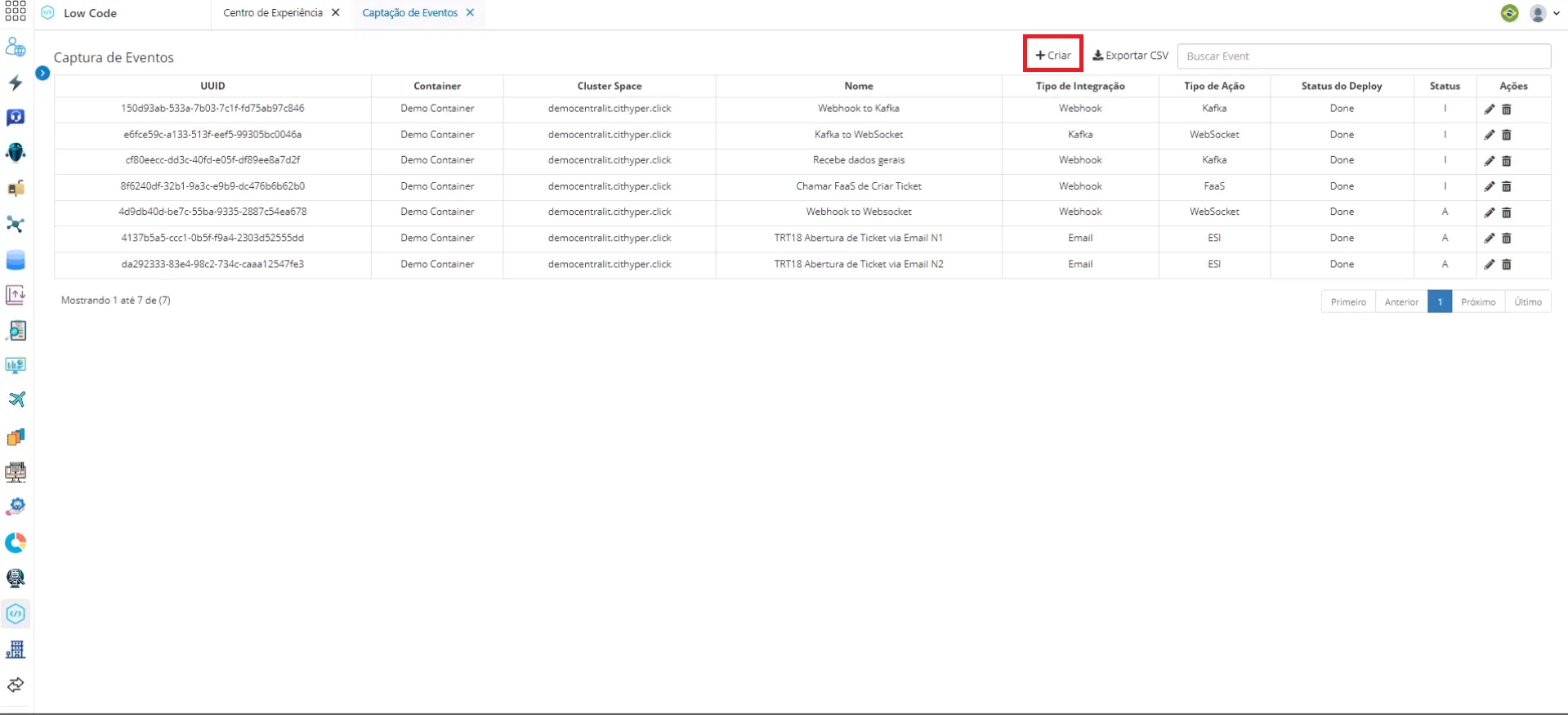
On the main event capture screen, a list of all captured events is displayed, along with information about these events divided into columns. To capture a new event, click the Create button next to the search bar.
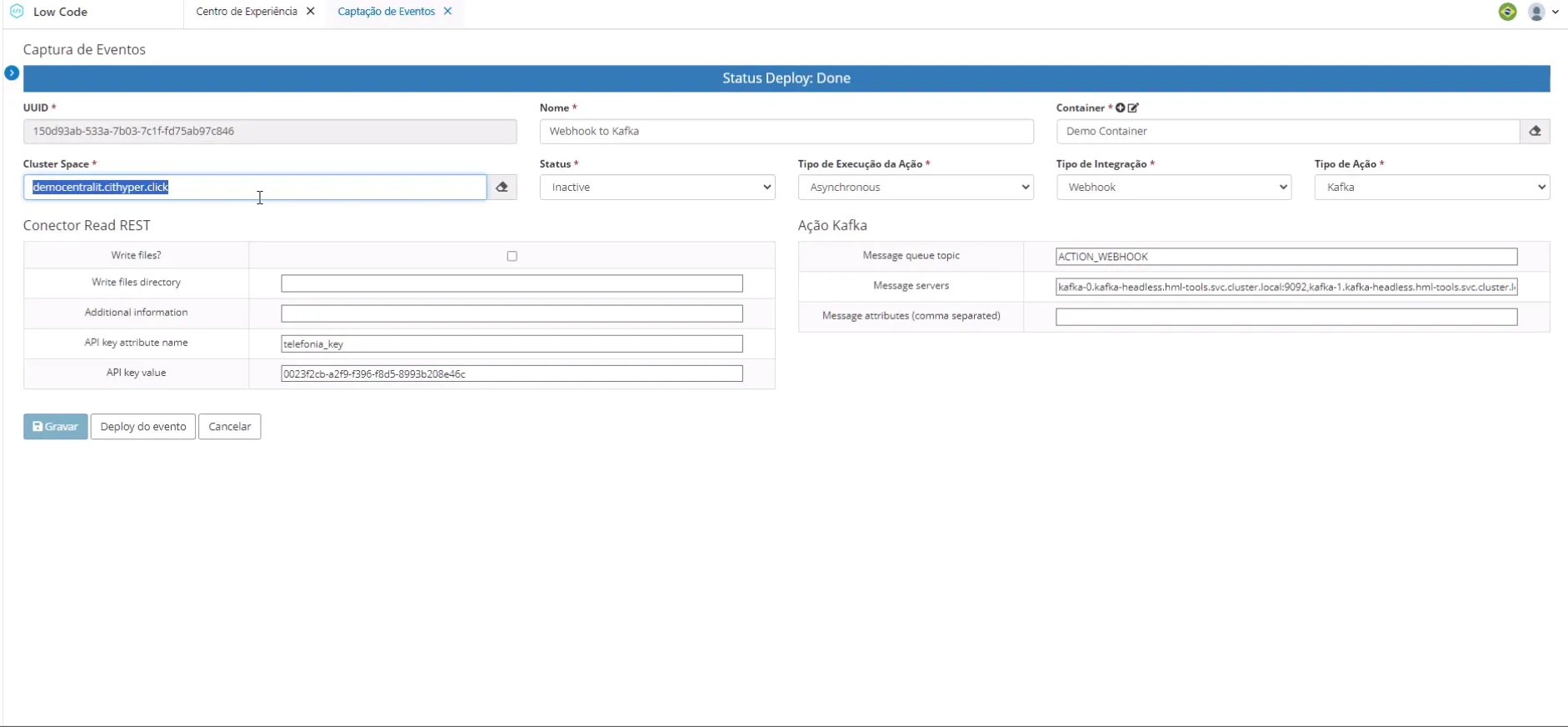
On the editing screen, you need to provide:
- The Cluster where the capturer will be available;
- The status, Active or Inactive;
- Whether the action is Synchronous or Asynchronous;
- The Integration Type;
- And the Action Type that will be executed in the integration.