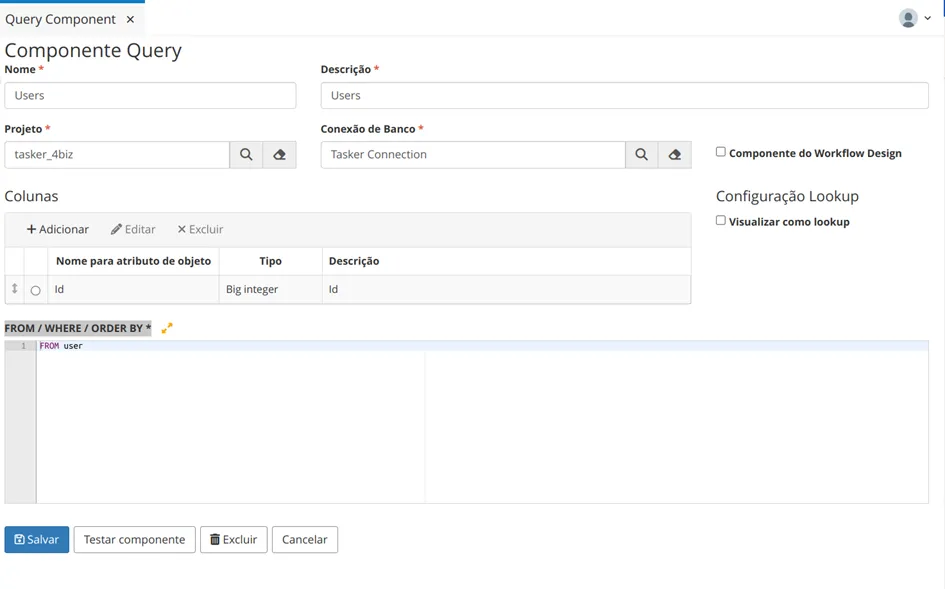
Query Component
Query Components are automated resources that also abstract data through queries in the Database. They can also be used as lookup objects (Select) in forms.
Procedure
Access the functionality through the navigation menu Management > Query Component.
To register a new Query Component resource, click on the "Create" button.
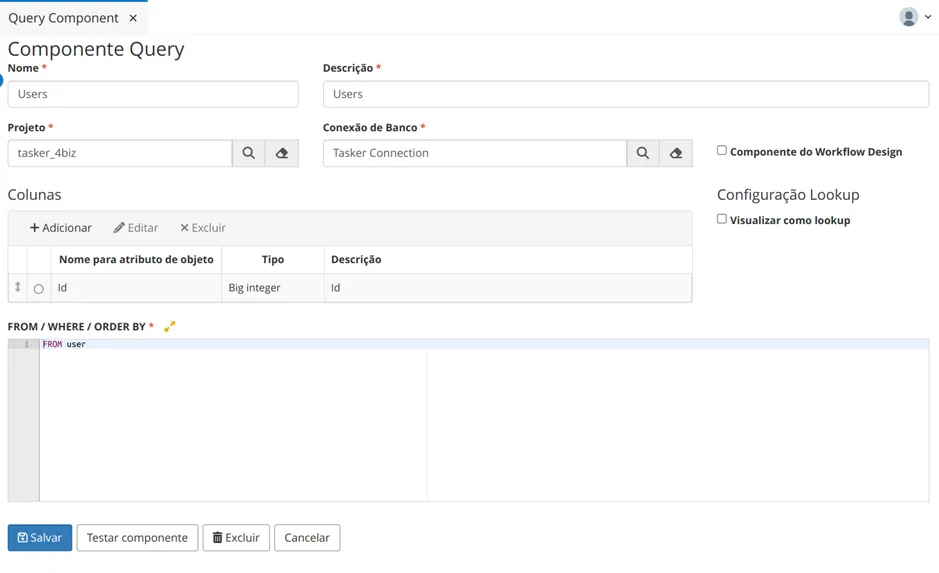
Provide the Name, Description, Project, and Database Connection.
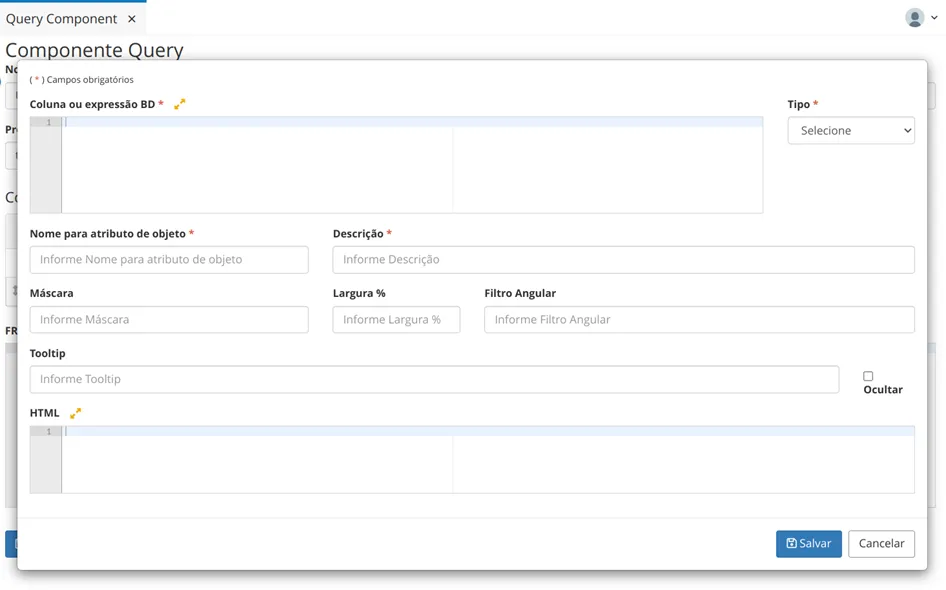
Click on "Add" to include fields from the table.
Provide the name of the column in the database, data type, Object attribute name, Description, Mask (if any), Width %, Angular Filter, Tooltip, and HTML.
Item | Description |
|---|---|
Mask | An input mask. When using a mask, the field needs validation or organization of what is entered. In the case of CPF, the mask would only allow real CPFs to be entered in the field. |
Width | Width size of the column being configured. |
Angular Filter | Used when filtering specific information. For example, if you need to filter SQL query information by the age of students. |
Tooltip | A hint about what the object means when hovering the mouse over it. |
Column | Refers to the same column present in the database. |
Expression | |
Type | |
As this involves SQL, it is necessary to include FROM / WHERE / ORDER BY *