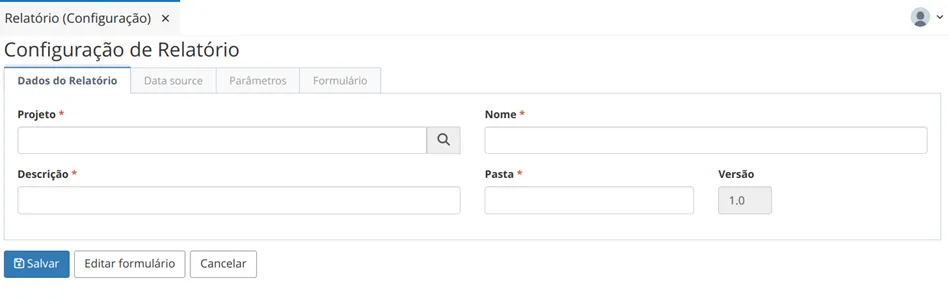
Report Configuration
In Report Configuration, if necessary, the settings for executing the reports registered in the system through the option "Report File" are performed.
How to Access
Access this functionality through the menu Management > Report (Configuration).
Prerequisites
The report to be configured must have been previously registered in the menu Resources > Report (File) (link) for uploading the report.
Procedure
To configure a report, click on the "+Create" button.
Report Data
The Project, Name, Description, and Folder values are filled based on the report file registration and can be edited on this screen.