FaaS NodeJS
Faas Node.js is an advanced JavaScript code implementation module where function calls based on services are made, running on the Node.js Server-side.
Procedure
Access the functionality through the navigation menu Low Code > Management > FaaS NodeJS.
Identification
To register a new FaaS resource, click on the "Create" button.
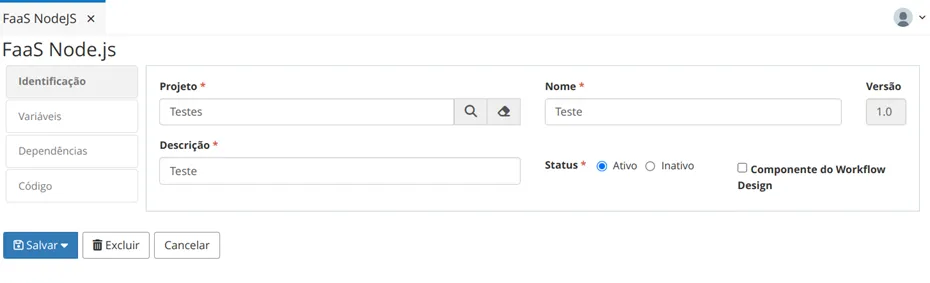
In Identification, provide the Project, Name, Description, and resource status.
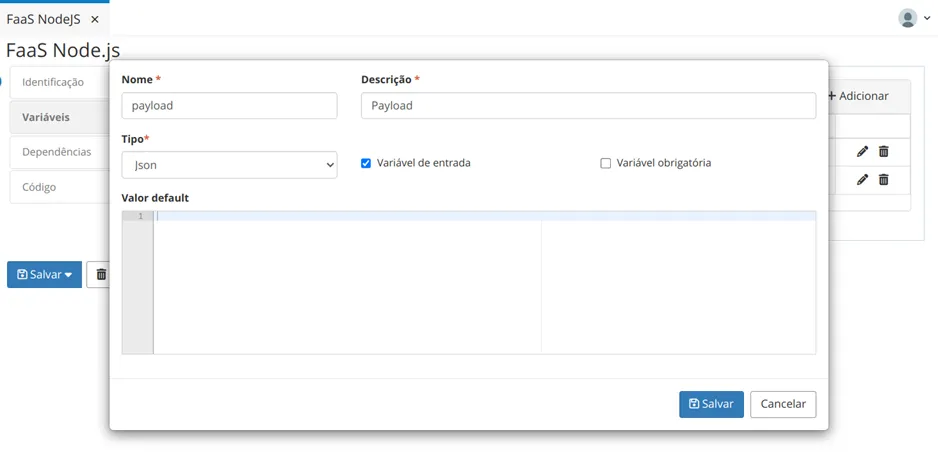
In Variables, click the "Add" button to add new variables and fill in the fields: Name, Description, Type, and mark if it is an input variable and if it is mandatory. If necessary, a Default Value can be provided.
Click on “Save”.
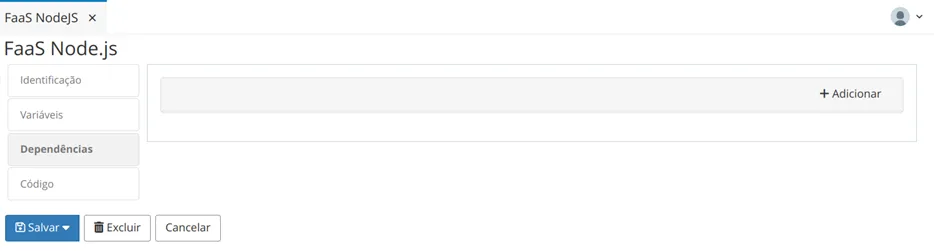
In the Dependencies tab, click "Add" to include a new dependency.
Provide the Name and Path of the dependency.
Click "Save".
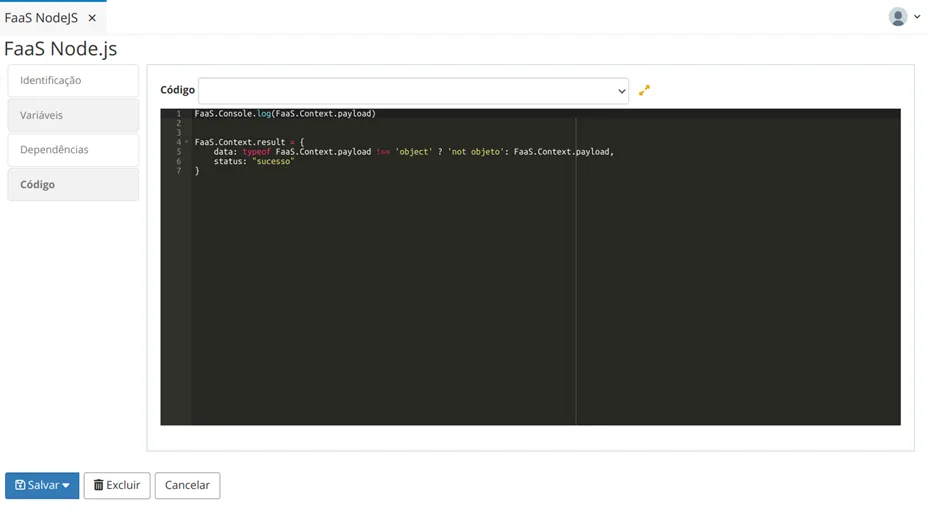
In the Code tab, write the functions that will be executed.
Finally, click “Save” to save the added resource.
The FaaS resources can be called and executed from various elements of the Low Code.