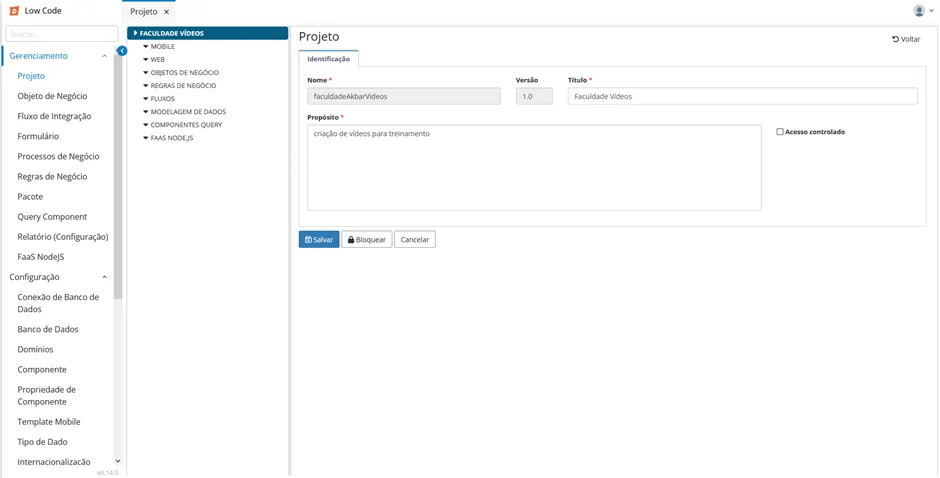
Low Code Project
A Low Code Project is a set of integrated elements as outlined in the document Low Code Application.
Procedure
After designing the application and gathering information regarding the data entities, you will need to create a project in Low Code:
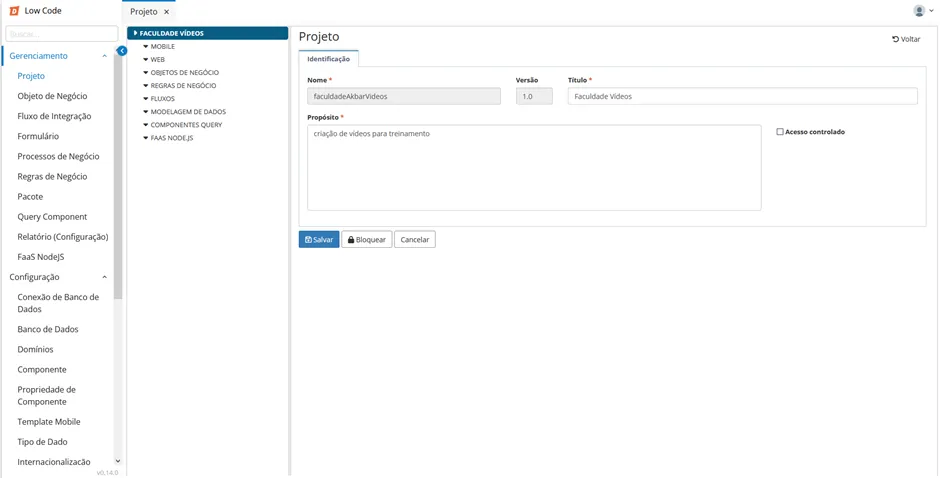
Access the functionality through the navigation menu Low Code > Management > Project;
Click on "Create";
Fill in the required fields in the "Identification" tab providing the following information:
- Name
- Title
- Purpose
Click "Save". The left side of the screen will be populated with the menus of the elements for the new project;
Create, if necessary, Business Objects, Business Rules, Forms, Flows, and Business Processes.
⚠️ Attention! None of these elements is mandatory, but an application must have at least one of them, the most common being: business and form objects;
Save each element separately.