Diagrams
The diagram is the modeling of the integration process being implemented by the integration flow.
Step by Step
Access Low Code > Management > Integration Flow > Diagram Tab. The following screen will appear:
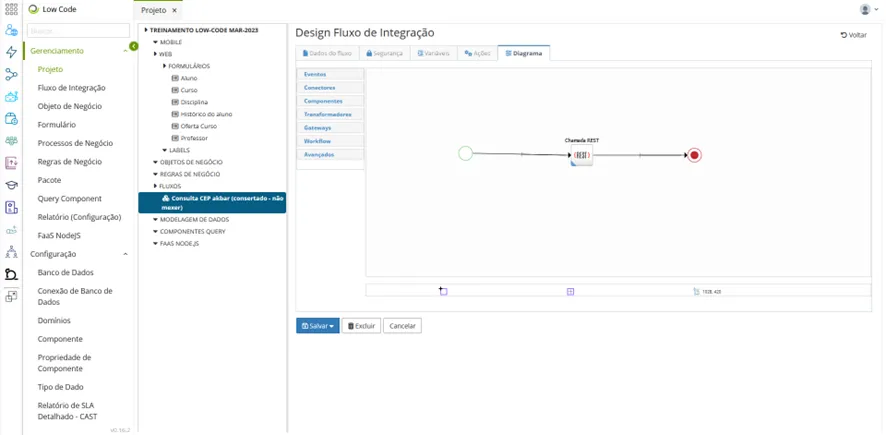
The elements that can be added to the flow are located in the palette on the left side of the screen. To include an element in the flow, select it and drag it to the drawing page. A pop-up window with the element's properties will be displayed. Fill in the information according to the chosen element.
When finished editing the diagram, click the "Save" button.