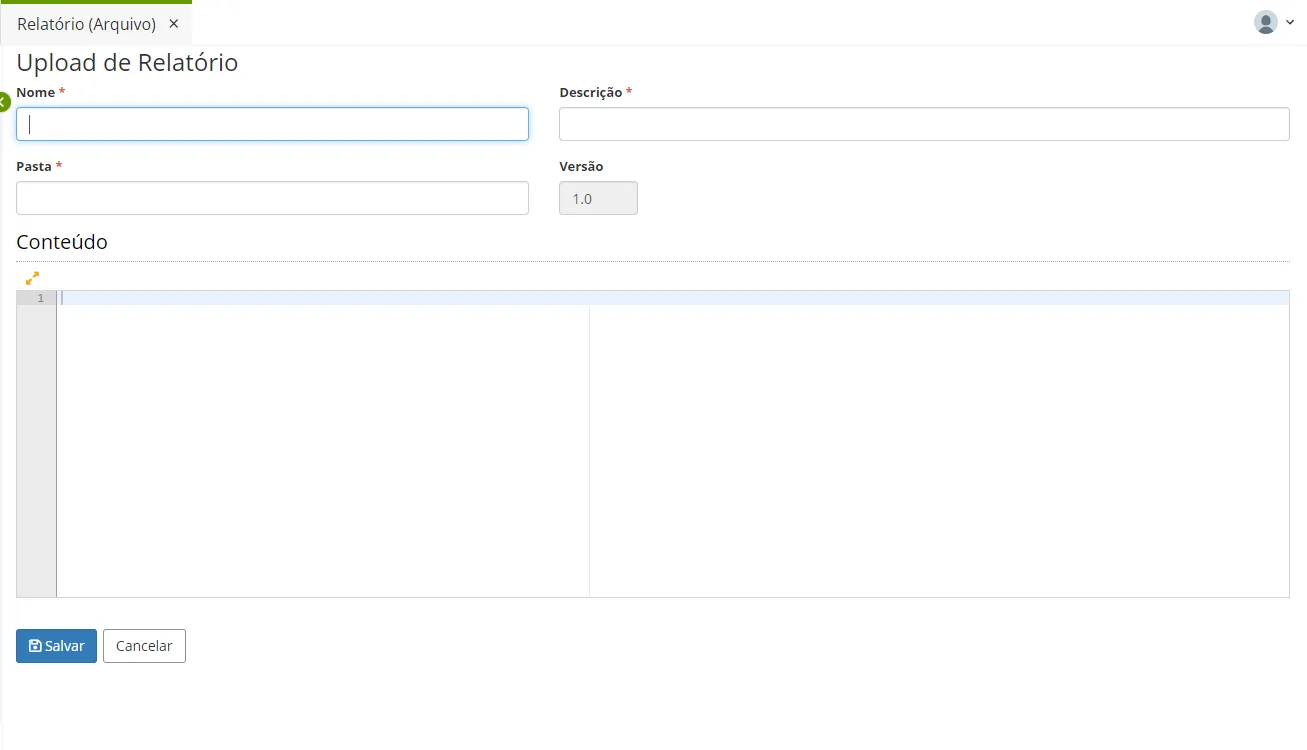
Report (Archive)
In a Low Code application, it is possible to use pre-built reports. To do this, it is necessary to load the report template into the system.
How to Access
Access the functionality through the navigation menu Resources > Report (File) to upload a report.
Procedure
- To register a new report, click on the "Create" button;
- Enter the Name of the report, Description, and the Folder on the server where the template will be stored. The Engine field will be automatically filled according to the format of the loaded template. Currently, only the JRXML format of Jasper is accepted;
- Upload the report template in the Content field;
- Click on the "Save" button.