Data Type
Low Code's base installation provides various data types for Business Object attributes. However, if necessary, new data types can be added to the system.
For more information, refer to the documentation at Developing a Low Code Application.
How to Access
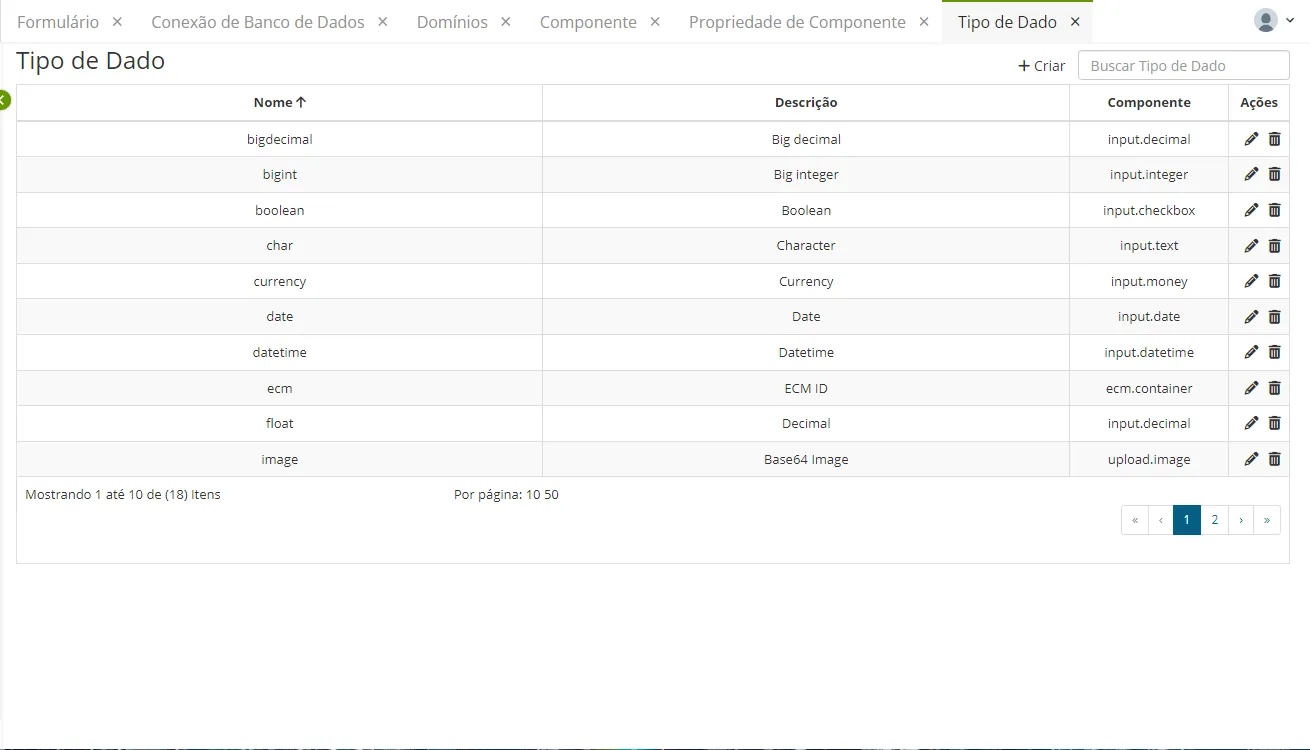
Access this functionality through the navigation menu Configuration > Data Type.
Procedure
To register a new data type, click on the "Create" button.
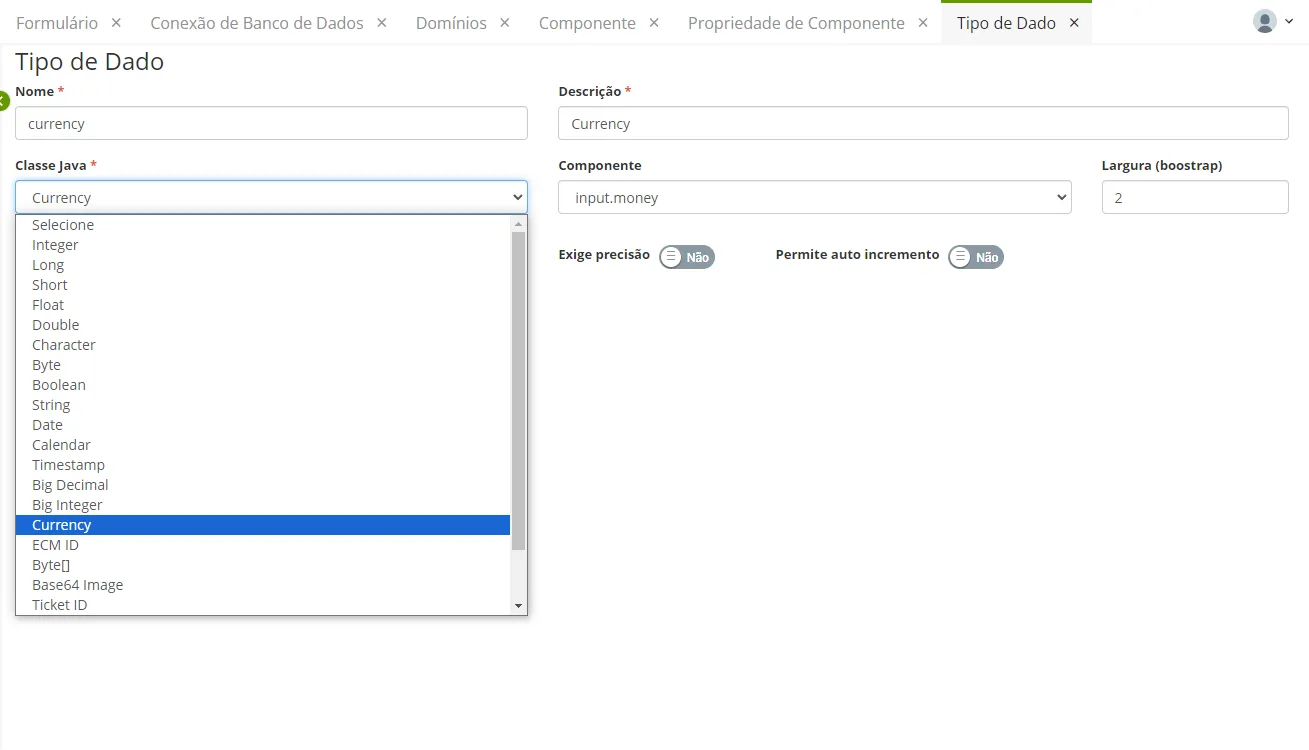
Fill in the Name, Description, and Java Class for the data type being registered. Activate or deactivate options if necessary: Requires Size, Allows Value Assigned by the Database, Requires Precision, and Allows Auto Increment.
Optionally, provide the Form Component and the default Width (bootstrap).
Click the "Save" button.
Big Int
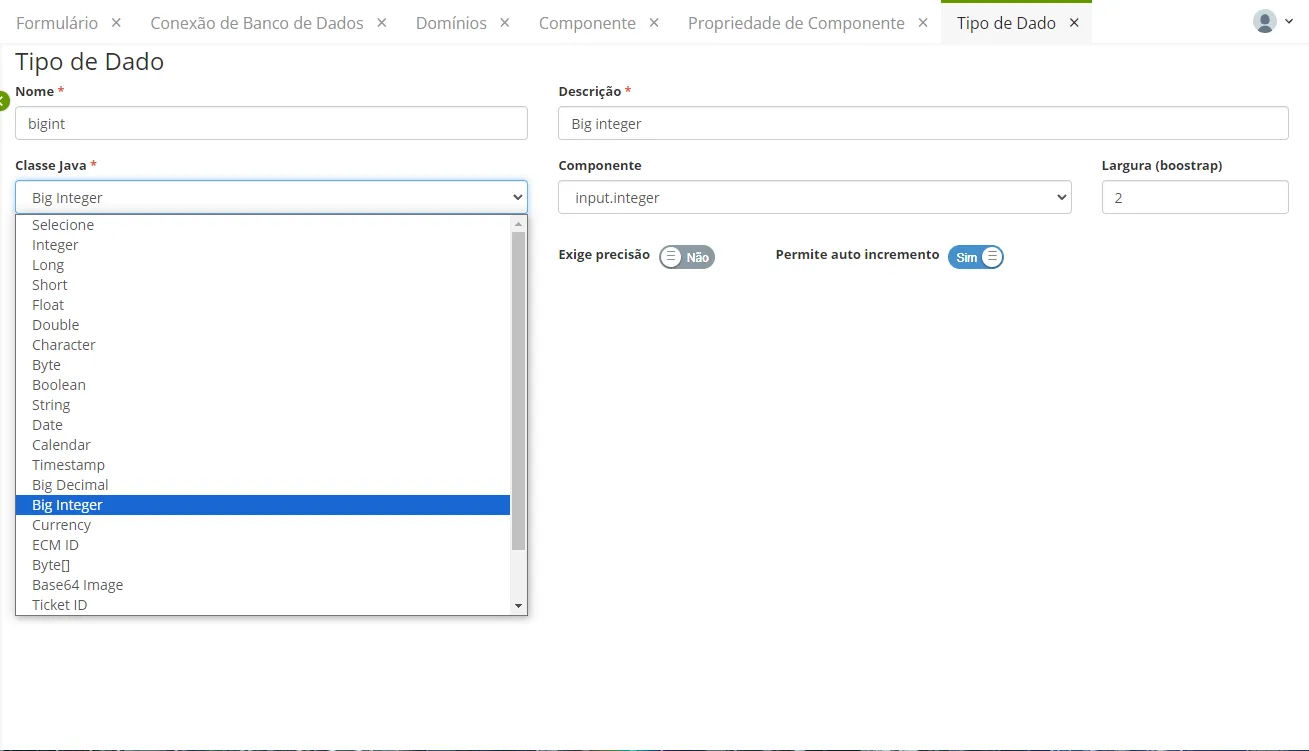
When registering a new data type, it is necessary to declare the Java class and the component to which this data will be associated.
In the example below, we have the data type big int (an integer). Note that the linked options are related to the function that this data type can assume. Typically, primary keys are of the big int type, and it is common for them to be automatically incremented by the system, and their value is assigned by the database.
String
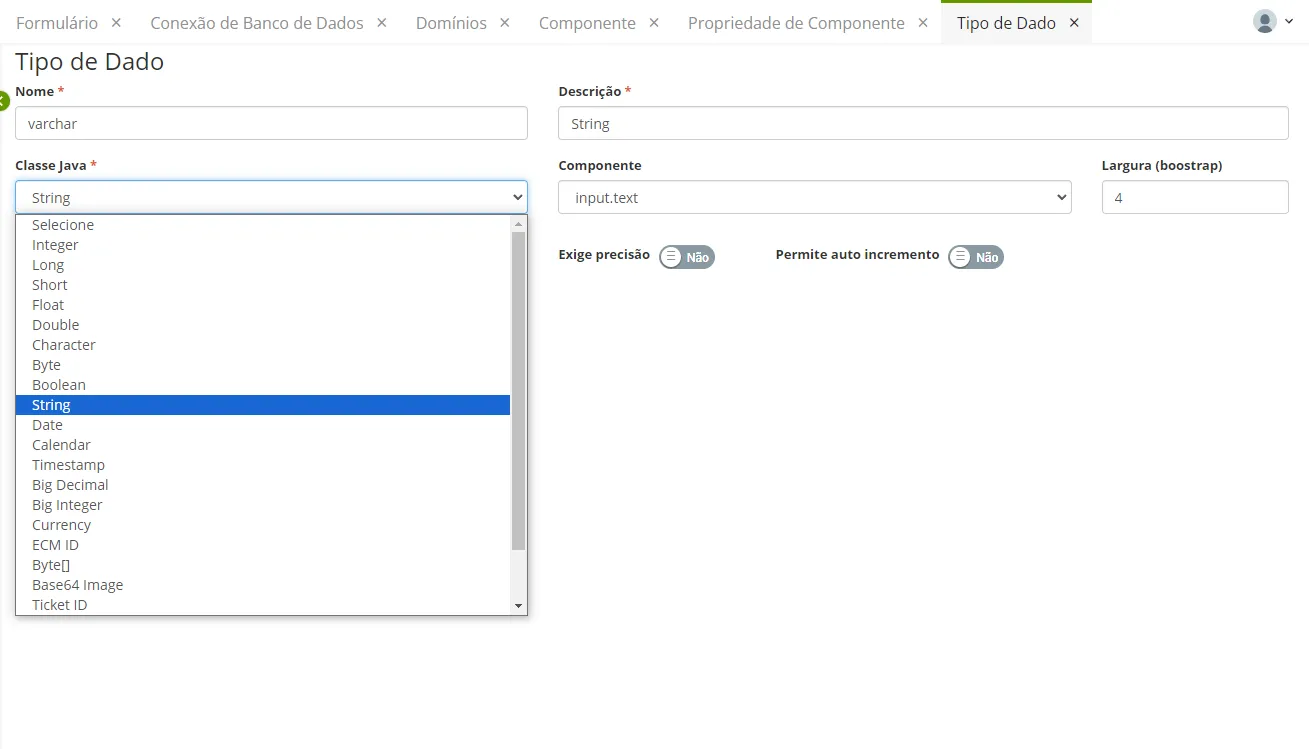
The data type varchar (screen below) is a string. Therefore, the maximum number of characters it supports needs to be declared. This is done when creating the columns of the business object.